By the WebXup team · Published: · Updated:
Separate tickets from sales opportunities
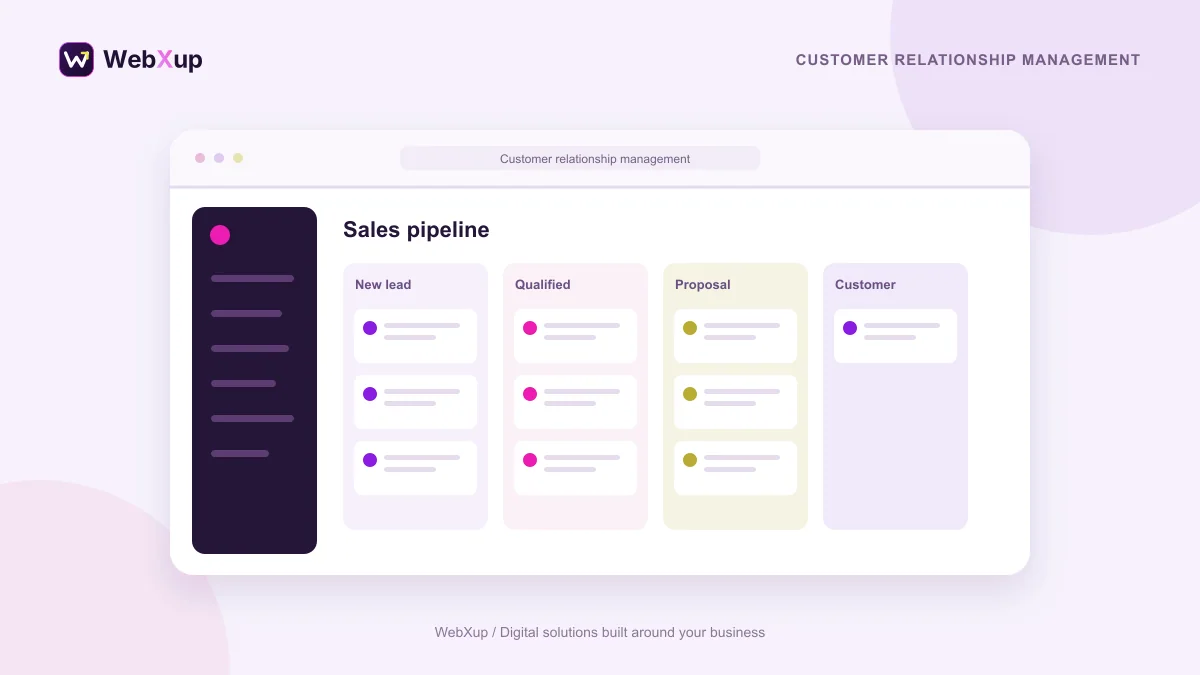
A ticket needs an issue, priority, owner, resolution state and response history. An opportunity needs a stage, expected value, next action and outcome. They can share a customer record, but one undifferentiated list can hide overdue support and distort sales reports. Document an example of each workflow.
Define data and ownership
Start with customer identity, contact method, source, owner and next action. Define viewing, export and editing permissions and handoffs between teams. Avoid unused fields. For WhatsApp or email integration, confirm the official channel, permissions and provider approvals before including it in scope.
Run a trial before full migration
Use authorized samples or test data. Try duplicate customers, reopened tickets, absent employees and restricted exports. Agree merge rules, backups and rollback. A successful file import does not prove that relationships and history were preserved correctly.
Measure adoption and outcomes
Review unassigned requests, overdue follow-ups, response times by channel and opportunity outcomes. Task volume alone does not prove service improvement. Assign responsibility for data quality, team training and permission changes when roles change.
Practical review checklist
- Map sales and support journeys separately.
- Define customer ownership and permissions.
- Test import, duplicates, export and rollback.
- Train users and review data quality.
Discuss your implementation
Review service scope and our work, then share your requirements.
CRM and customer serviceStart with a clear project brief
Share the business, audience, required features and an existing project link if available. We review the requirements and agree scope, delivery and a tailored proposal.
Related guides
How to compare web design companies in Egypt
Choosing a web design company starts with your business needs. This guide, written by WebXup as a service provider, offers a practical comparison framework rather than an unsupported ranking of agencies.
Explore detailsChoosing a web design company: discovery and contract questions
A useful first meeting establishes audience, functionality and responsibilities. Use these questions to turn an idea into a project a development company can evaluate and deliver.
Explore detailsChoosing a website company in Cairo and Giza
A nearby office can help with meetings, but choosing a website company in Cairo or Giza also requires work, scope and operating checks. WebXup's listed branches are in Giza and Nasr City, with remote reviews available.
Explore detailsBuilding a search-ready website: crawling, content and measurement
A search-ready website combines useful content with an implementation search engines can understand. Use this delivery checklist with your developers; it does not guarantee indexing or a particular position.
Explore details